Runtime
Last changes: Documentation changelog
The runtime selects and executes a backend and device for the study. This family covers runtime
selection, backend policy, the batch simulation lifecycle, interactive live sessions (fm.connect()),
result reading, published artifacts, and provenance records that keep requested intent separated
from resolved execution.
Batch / stage-first execution: Author
fm.study(...)andstudy.stages.add_*, lower toProblemIR, and run reproducibly via the container CLI or Simulation.Interactive live execution: Attach directly to a running FullMag instance via Live Session (
fm.connect(),fm.relax(),fm.run(),fm.field(),fm.sweep(),fm.export_script()) while Control Room inspects the shared session live.
Control Room crosswalk
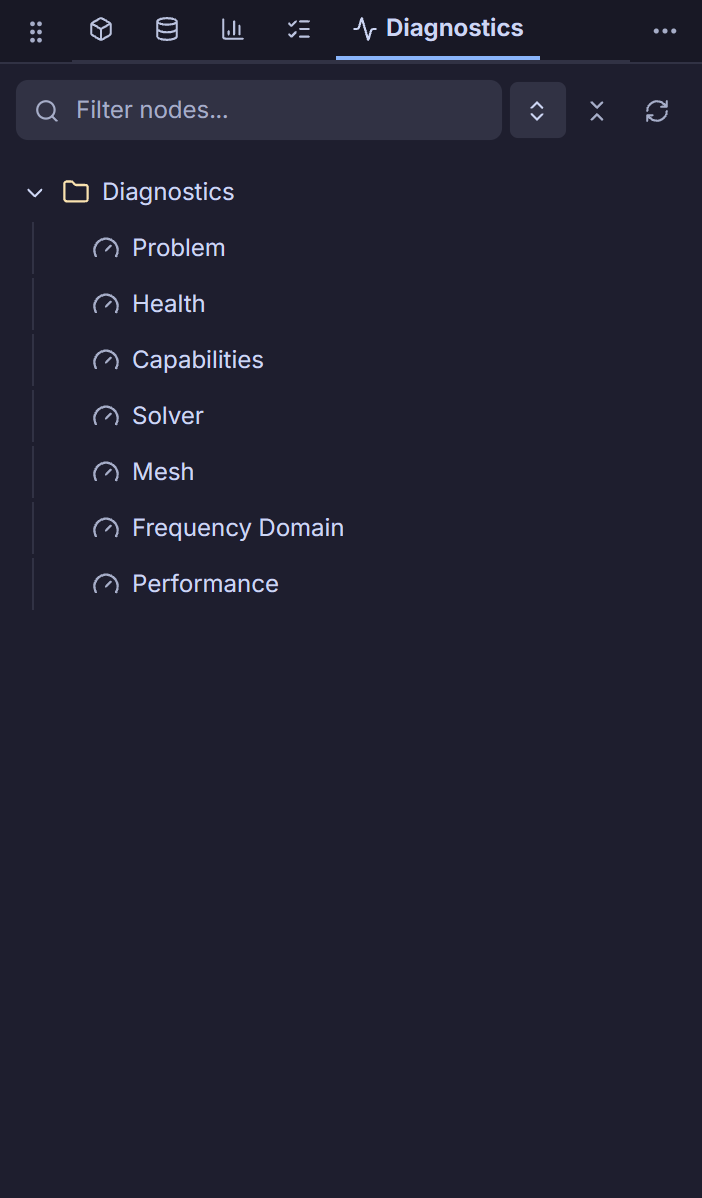
Control Room surfaces live runtime status, resolved engine/device provenance, active background
mesh/solver jobs, and realtime diagnostics in the bottom status bar and footer drawers, alongside
connected sessions in Active simulations and instance tabs (see Live Session and
Control Room capability register). Direct runtime-policy selection (auto/fdm/fem, cpu/gpu,
precision) is edited in Study -> Execution Profile, while backend-only artifact publication flags
and legacy selection options without matching UI fields remain Python-authored (TODO: frontend support).

API and source scope
This index does not define a standalone runtime function. Terminal pages own exact calls, lifecycle semantics, limitations, bibliography, and source-code indexes.
Source-code index
This is a navigation page and introduces no standalone implementation symbol. The exact source-code index is maintained by the selected terminal page.