Geometry
Last changes: Documentation changelog
Geometry objects define the physical domain. Create primitives, apply transforms and booleans, import CAD meshes, select regions, and declare the simulation universe. Geometry is a physics input: the same object lowers to FDM cells or FEM elements without changing its physical meaning.
Control Room crosswalk
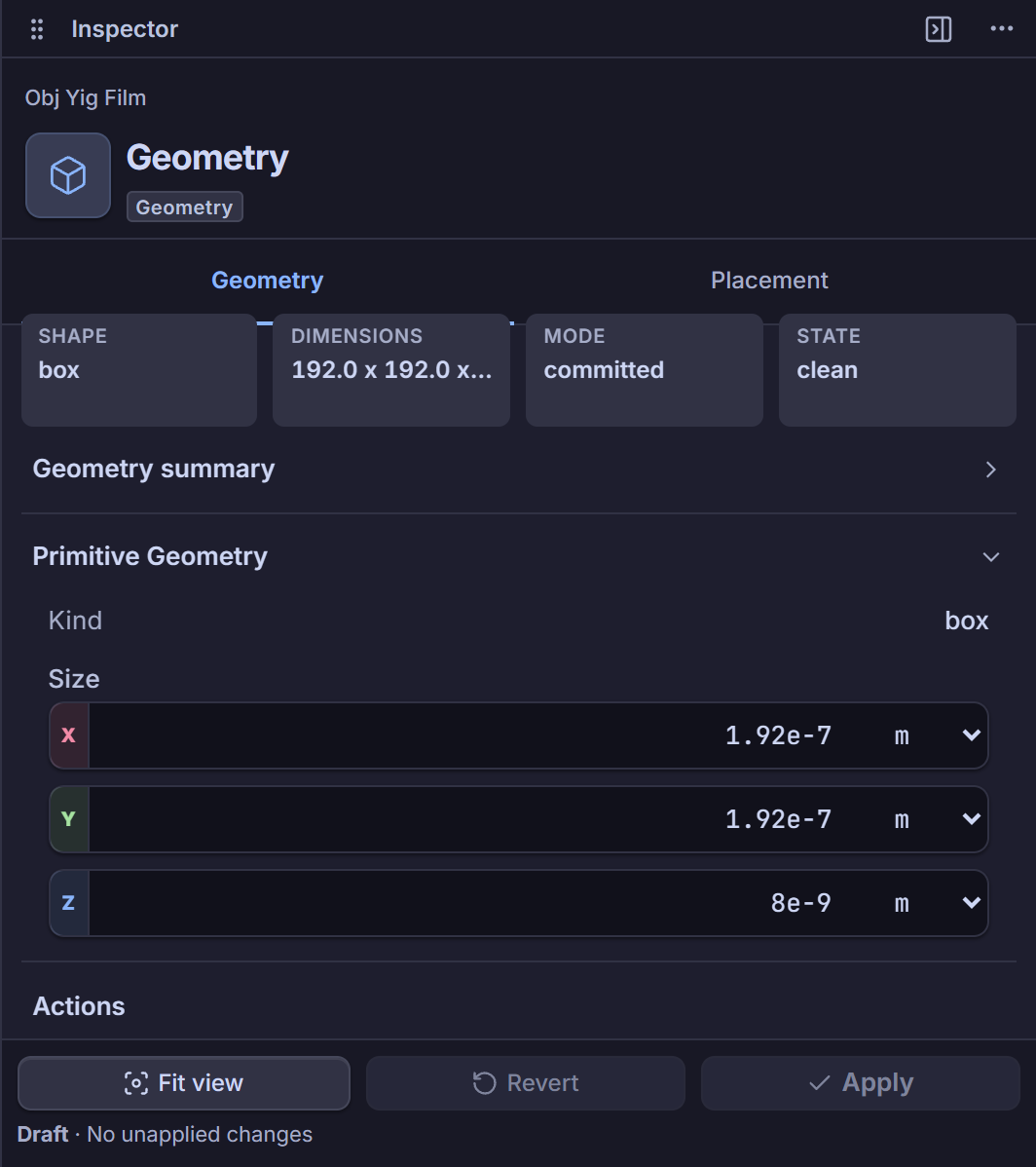
Use Model Explorer -> Objects -> <object> -> Geometry / Placement (GeometryObjectPanel,
ObjectPlacementPanel) for unit-aware primitive shape parameters (box, cylinder, sphere,
microstrip, cpw, thin_film) and rigid translation (translation, or interactive Move W on
the Ribbon). Multi-object region boxes are edited in ObjectRegionsPanel / ObjectRegionGeometryPanel.
Rigid rotation and scale remain disabled (PROBLEM_IR_03_RIGID_TRANSFORM_REASON), Ribbon CSG
builders remain preview: true, and boolean, imported-CAD, auxiliary, or expression-defined shapes
are inspected read-only while authoring remains Python-only (TODO: frontend support). See
Control Room capability register and Geometry, Materials, Regions & Magnetic Textures.
API and source scope
This is a navigation index, not an independent constructor contract. Terminal pages own the exact Python example, geometric assumptions, failure semantics, bibliography, and source-code index.
Source-code index
This is a navigation page and introduces no standalone implementation symbol. The exact source-code index is maintained by the selected terminal page.