3D WebGL Viewport, Projections & Studio Rendering
Last changes: Documentation changelog
Viewport3DModule (apps/control-room/src/modules/viewport-3d/Viewport3DModule.tsx) and
Viewport3DCanvas render the unified 3D scene across both structured FDM grids and unstructured
FEM tetrahedral/prism meshes using Three.js and @react-three/fiber. All camera,
layer, quality-profile, clipping, and lighting controls share one state controller cleanly across
live simulations, frequency-domain mode overlays, and offline saved playback.
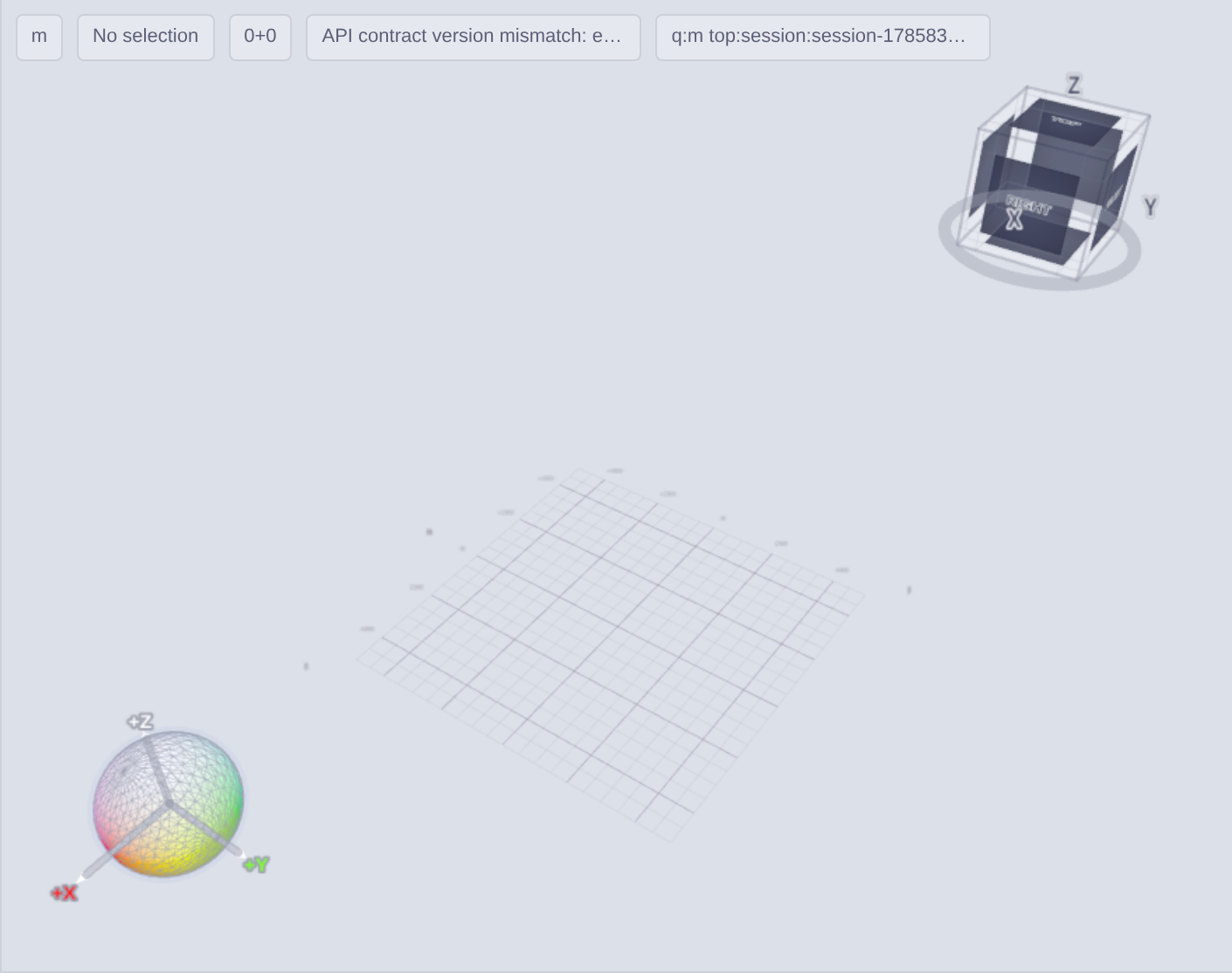
Discretization Adapters, Meshes, and Airbox Overlays
FDM Adapter (
FdmCuboidLayer): Consumes active cell masks and region assignments (FMRM,FMBM) to draw structured cells cleanly without generating spurious exterior triangles.FEM Adapter (
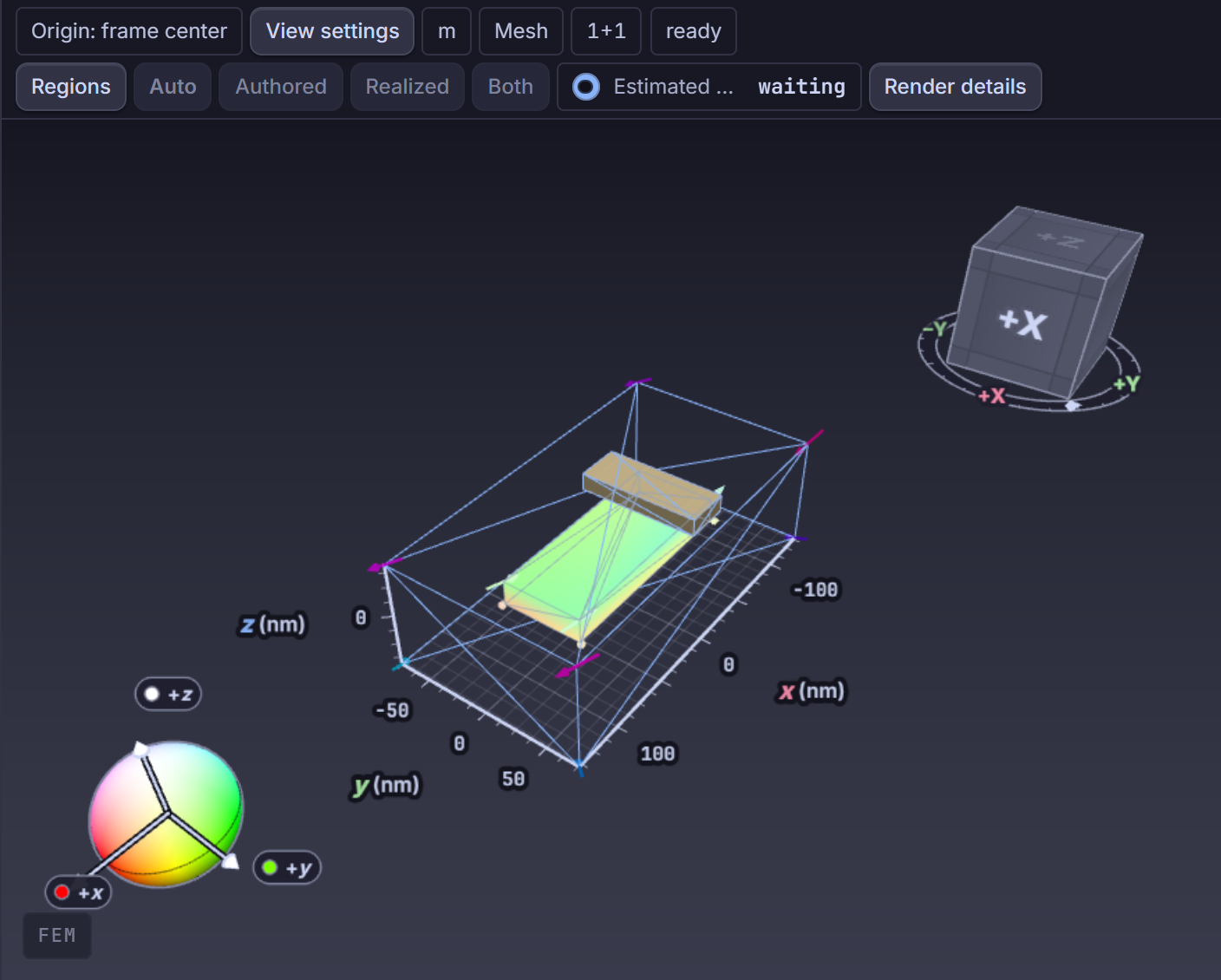
TopologyMeshLayer,MeshPartLayer,RegionMeshOverlayLayer): Decodes streamed binary topology (FMMT) and quality bins (FMMQ), distinguishing magnetic object bodies, sub-object regions, exterior Airbox wireframes/points/surfaces, and Periodic Pairs (PeriodicPairsOverlayLayer).Scene Overlays & Selection: Dedicated layers visualize Move Object Gizmo (
MoveObjectGizmo), Frozen Spins preview masks (FrozenSpinsOverlay), Planar Monitor handle/rotation rings, Dimension Frame floor/cage reference ticks (DimensionFrameLayer), and Hysteresis Replay directional glyphs (HysteresisReplayGlyphLayer).
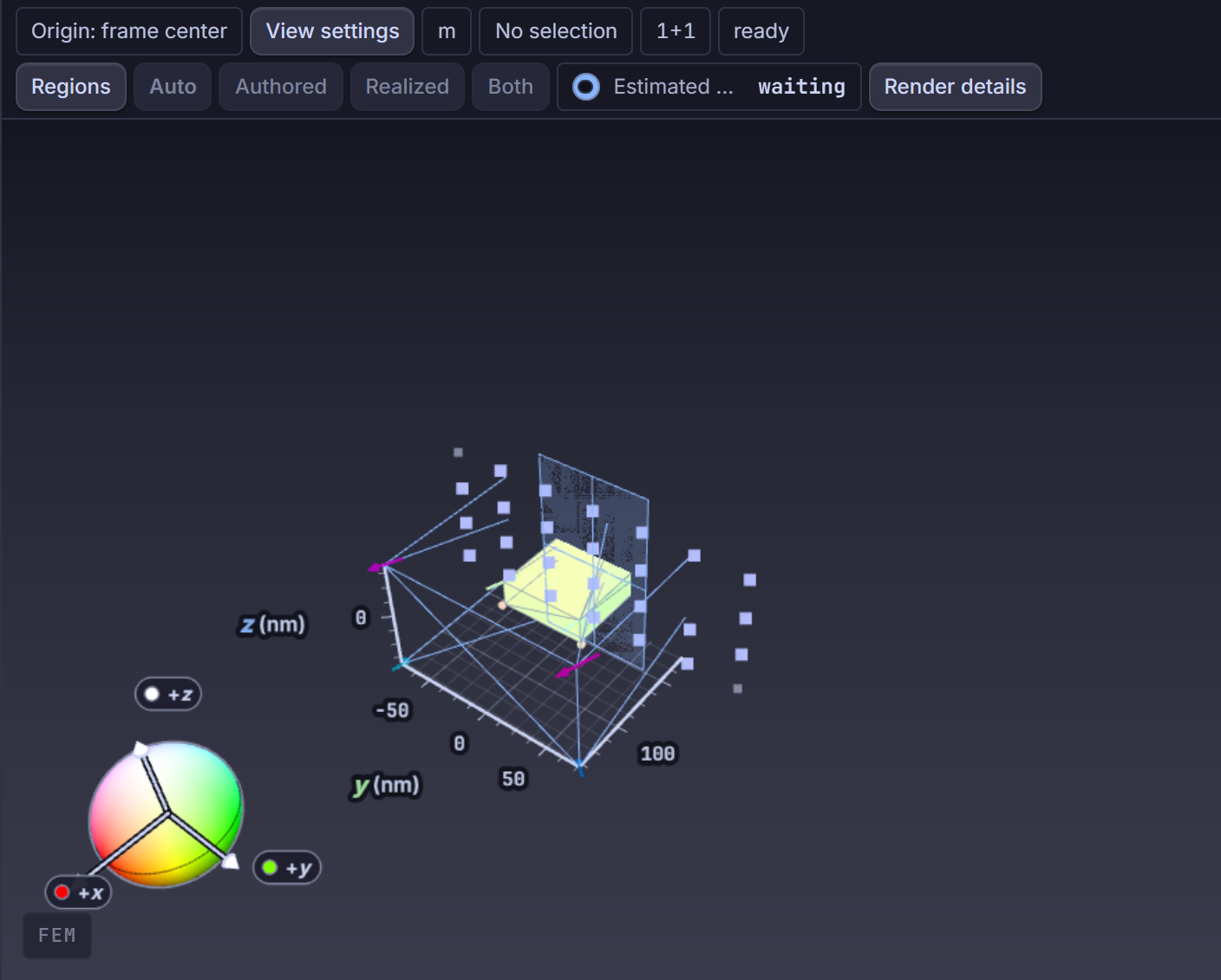
Surface Projections, Clipping, Vectors, and Eigenmode Overlays
Through ObjectVisualizationPanel, the View / Results ribbon tabs, and the contextual
Analysis tab (analysis-context), operators configure per-target (all, airbox,
object:<id>) and global visualization settings:
Surface & Texture Coloring: Render modes (
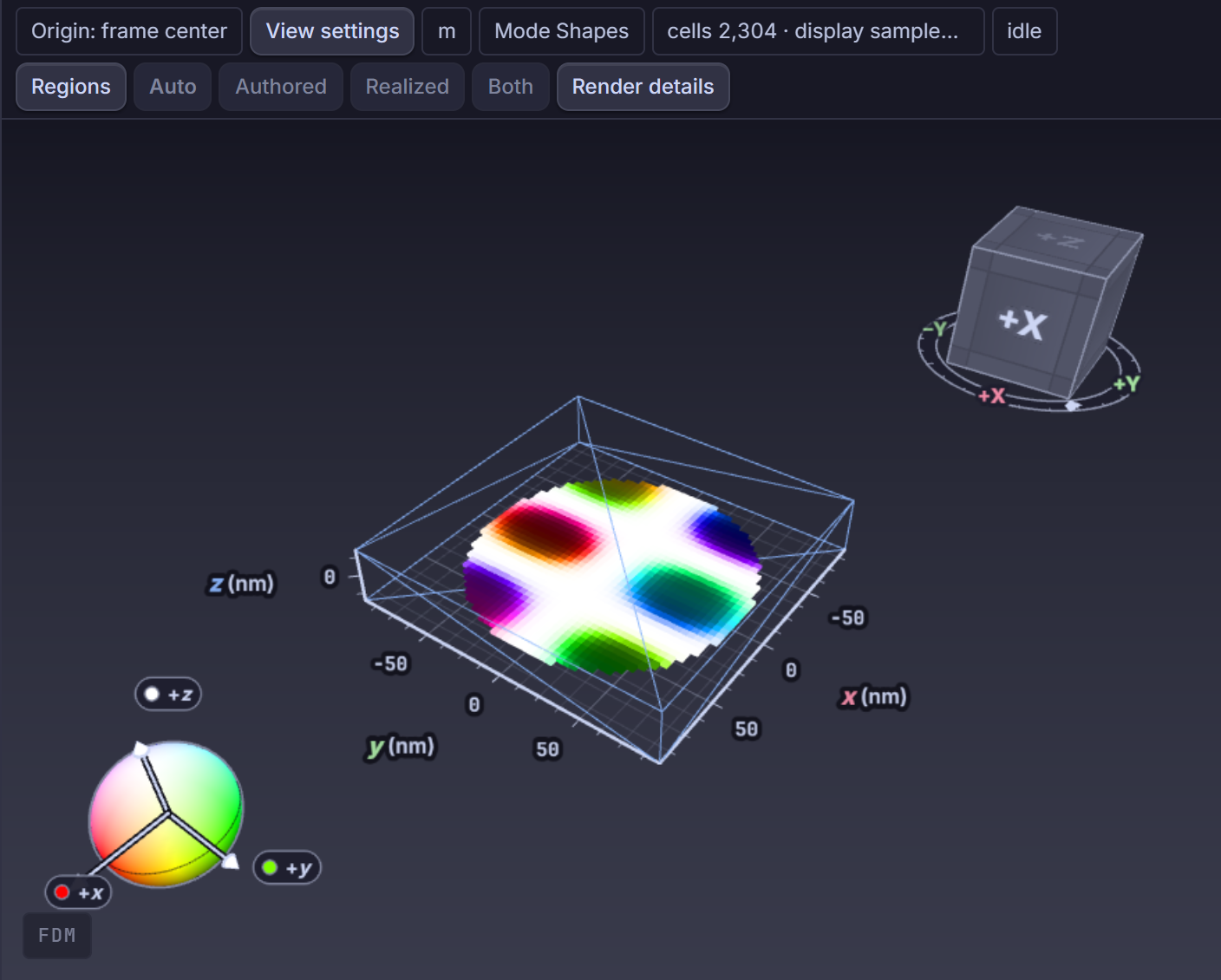
Shaded,Shaded + wireframe,Wireframe,Points) paired withSolid, HSL orientation, scalar components (X,Y,Z, Magnitude \(|m|\)), and scientific perceptually uniform colormaps (VisibleColorScalesHUD).Spatial Quantities & Phase Projection: Inspect canonical \(M\), \(H_{\text{eff}}\), \(H_{\text{demag}}\), \(H_{\text{ex}}\), \(H_{\text{anis}}\), Torque, Energy, pre-solved antenna fields (
AntennaFieldLayer), or eigenmode / FMR complex overlays (real,imag,magnitude,phase_rotated_real, animated in phase over \(0..2\pi\)).Vectors & 3D Clipping (
ClipPlaneLayer): Adjustable instancedTHREE.InstancedMeshglyph density (8..4096), domain scope (auto,magnetic_only,full_domain,airbox_only), anchor/offset, vector colors, and orthogonal volume clipping/trimming along XY, XZ, or YZ cut planes.
Studio Lighting, Quality Profiles, and High-Resolution PNG Export
Viewport3DSettingsDialog (apps/control-room/src/modules/viewport-3d/components/Viewport3DSettingsDialog.tsx),
Viewport3DLightingRig, Viewport3DStudioEnvironment, and PostProcessingLayer expose
publication-quality rendering alongside strict quantitative safeguards:
Quality Profiles (
viewport3dVisualProfile.ts):Interactive Lite(no AA, DPR cap 1, 700 glyphs, no AO/shadows),Interactive(AA, DPR 1.25, 1,200 glyphs, 512px shadows, half-res AO),Balanced(DPR 1.5, 2,000 glyphs, 1024px shadows),Figure(DPR 2, 2,800 glyphs, 2048px shadows, full-res AO), andCapture(DPR 2, 3,200 glyphs,preserveDrawingBuffer: true).Scientific vs. Presentation Lighting: In
Scientific — faithful field colorsmode, AO and Bloom automatically refuse to alter quantitative field color values. InPresentation — PBR and studio HDRImode,Viewport3DStudioEnvironmentsynthesizes an offline equirectangular softbox HDRI (createViewport3DStudioHdri, zero external network assets) processed withPMREMGenerator, controllable key/fill light azimuth/elevation/intensity, PBR roughness/metalness, andPCFShadowMapsoft shadows.High-Resolution PNG Export (
viewport3dImageExport.ts):captureViewport3DImagecaptures1×,2×, or4×scaled frames (bounded by GPU limits up to8192px per edge /16,000,000pixels) with either matching viewport background or true Transparent background decoded cleanly from linear premultipliedRGBA16Fcomposed targets (unpremultiplySrgbChannel), with optional scale-frame, legend, and orientation annotations.
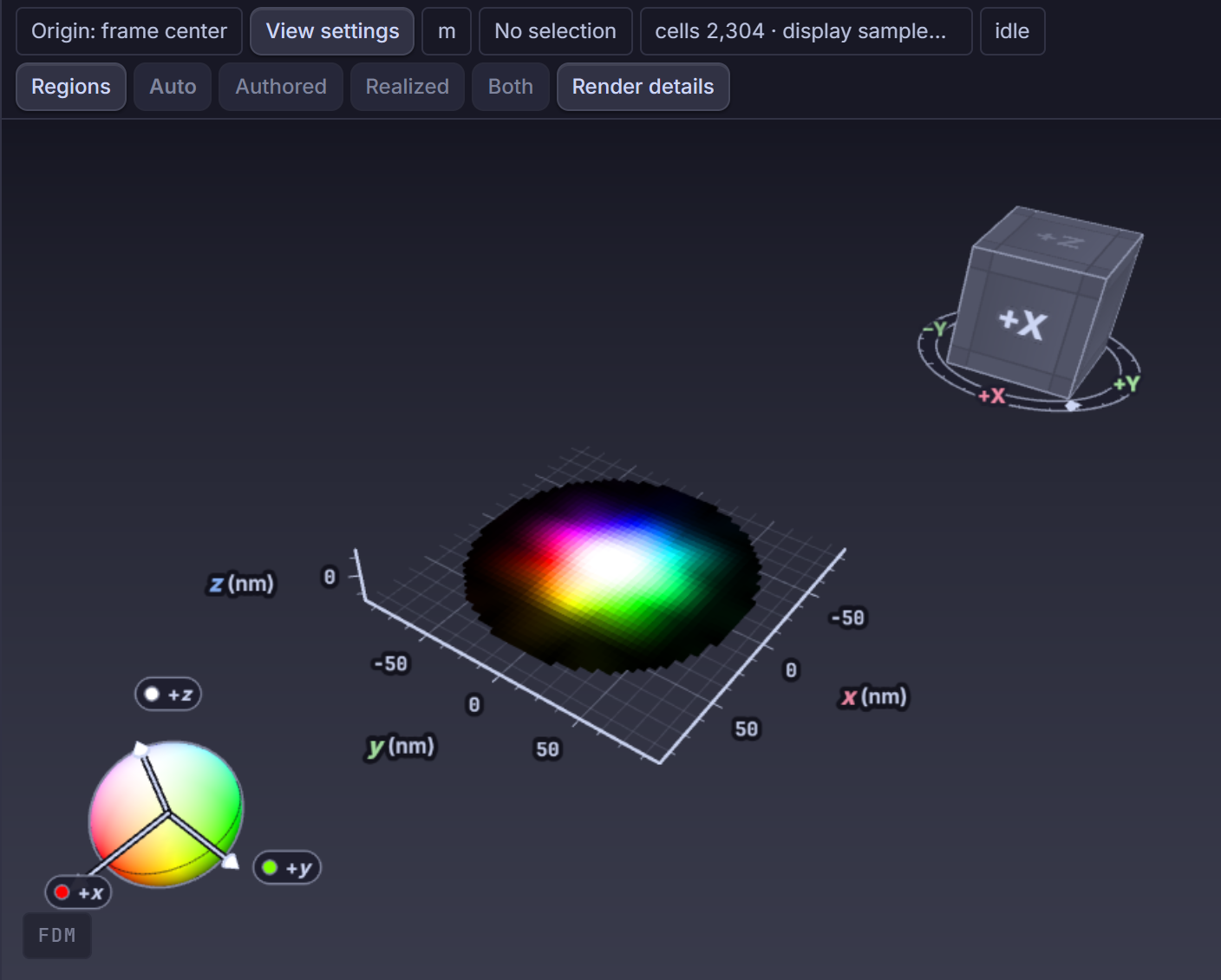
Screenshots illustrate the interface; they are not runtime or physics qualification evidence.
Control Room crosswalk
Primary module:
Viewport3DModuleandViewport3DCanvas(apps/control-room/src/modules/viewport-3d/).Controls: Ribbon View / Results / Analysis tabs,
Viewport3DAppearanceHud(View settings),Viewport3DSettingsDialog,Viewport3DCameraDialog, andObjectVisualizationPanel.Rendering boundary: A rendered surface never guarantees element quality or mesh validity; inspect
MeshQualityStatisticsViewand backend validation diagnostics before claiming solver readiness.
Python/API crosswalk
The 3D viewport consumes published scene, mesh, and field resources and synchronizes visualization state cleanly across live browser sessions and Python
fm.connectscripts.Studio lighting, quality profiles, clipping, and PNG capture settings affect browser rendering only and never alter solver physics.
Physics and bibliography scope
This page covers WebGL scene composition, instanced glyph shading, HDRI studio lighting, and RGBA16F capture unpremultiplication; physical field equations are defined in the physics guides.
Source-code index
Responsibility |
Repository path |
Stable symbol |
|---|---|---|
3D viewport module & layer orchestration |
|
|
Custom R3F canvas lifecycle & loss guard |
|
|
Quality profiles & MSAA/DPR mapping |
|
|
Synthesized studio HDRI & shadow/AO tiers |
|
|
PMREM studio environment loader |
|
|
3D View Settings modal dialog |
|
|
Super-sampled transparent/view PNG capture |
|
|